






Online APL Compiler Features
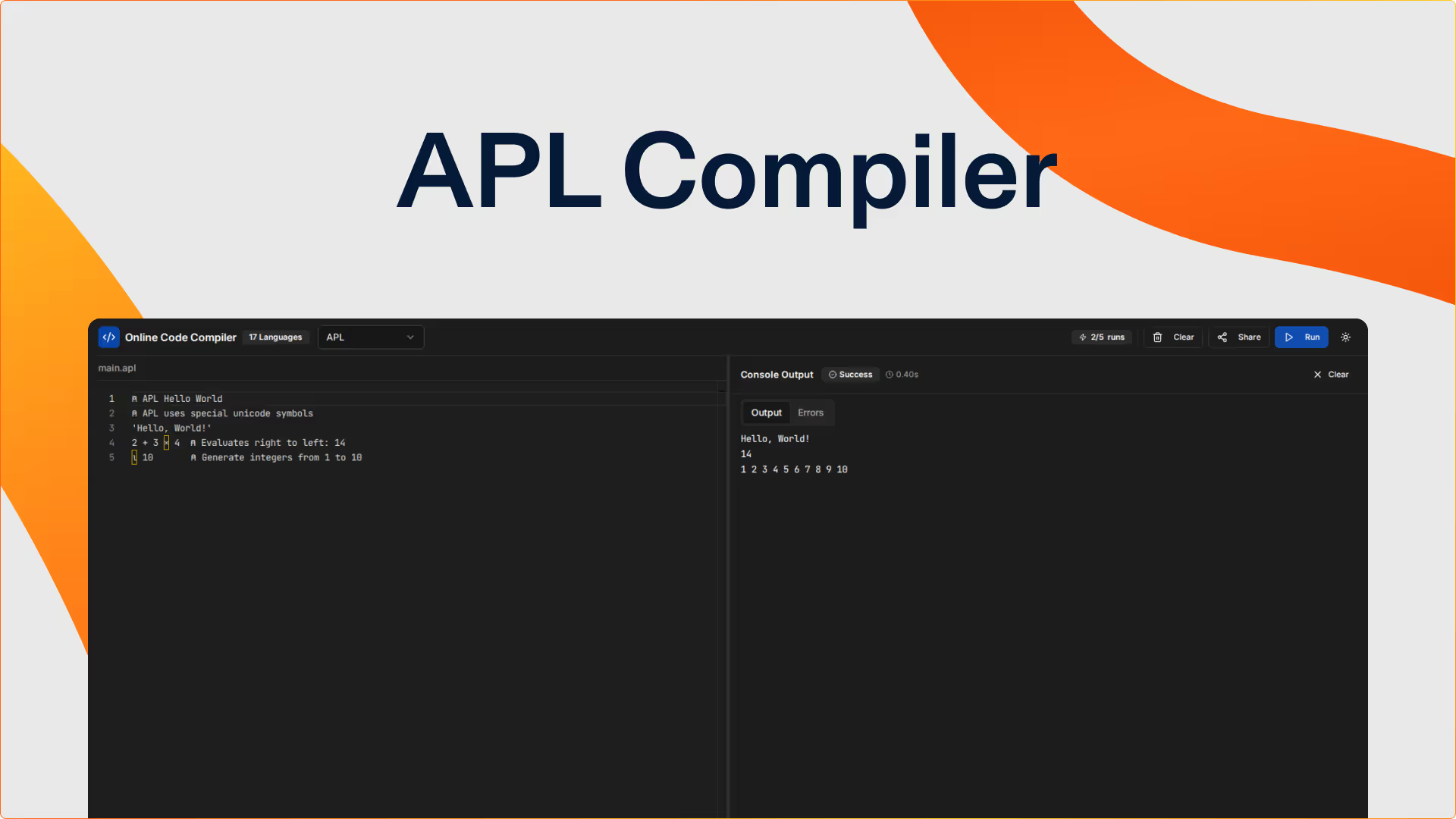
APL Code Editor
- Monaco Editor with APL syntax highlighting for mathematical symbols and array operators
- Support for APL's unique character set including mathematical and array manipulation symbols
- Real-time syntax validation for APL expressions and array operations
- Bracket matching for APL functions and array structures
Array-Oriented Programming
- Execute GNU APL code with powerful array operations—process entire arrays with single operations
- Test APL's concise notation: express complex algorithms in remarkably few characters
- See array results and computed values instantly as APL expressions evaluate
- No explicit loops needed—APL operates on entire arrays naturally
Mathematical Computing
- Use APL's rich set of mathematical symbols and operators for elegant expressions
- Practice array operations: reshape, reduce, scan, outer product, and inner product
- Test mathematical algorithms with APL's notation closer to mathematical thinking
- Experiment with APL primitives and user-defined functions
Unique Programming Paradigm
- Perfect for exploring array-oriented programming and alternative computational thinking
- Learn a completely different approach to problem-solving through arrays
- Share APL code demonstrating concise algorithms or mathematical computations
- Experience programming language design that prioritizes mathematical notation
APL Compiler Keyboard Shortcuts
Experience the power of Replit AI
This entire APL compiler was built by Replit Agent 3 from a natural language prompt. Replit's environment facilitates rapid development, iteration and testing code for users of any technical ability. Develop software faster and better with Replit’s autonomous AI.
Get started freeFrequently Asked Questions
What is APL and why learn it?
APL (A Programming Language) uses mathematical notation for array-oriented programming. Express complex algorithms concisely using symbols. Learning APL expands computational thinking and demonstrates alternative programming paradigms.
What APL version does this compiler use?
This APL compiler runs GNU APL, an open-source implementation of APL. Write array-oriented code using APL's unique character set and powerful array operations for mathematical computing.
How do I type APL symbols?
APL uses special mathematical symbols. While typing APL characters requires special keyboard layouts locally, you can practice APL logic and syntax in this online compiler. Focus on understanding array operations and APL thinking.
What can I do with APL?
APL excels at mathematical computing, data analysis, and array processing. Test algorithms that operate on entire arrays, practice mathematical notation in code, and explore concise problem-solving approaches.
Is APL still used today?
APL influences modern array languages and data science tools. While niche, APL is used in finance, actuarial science, and mathematical computing. Learning APL provides unique perspective on array-oriented programming.
How is APL different from other languages?
APL uses mathematical symbols instead of keywords, operates on arrays naturally without explicit loops, reads right-to-left, and expresses algorithms extremely concisely. Completely different paradigm from imperative languages.
Can I learn programming with APL?
APL teaches array-oriented thinking valuable for data science and mathematical computing. While unconventional, APL demonstrates that programming can look radically different from traditional syntax. Great for expanding programming perspectives.
What's the execution timeout for APL?
APL code runs for up to 30 seconds. Array operations execute efficiently—most APL expressions evaluate in milliseconds. Timeout prevents infinite computations while providing time for complex array manipulations.
Build, test, and ship faster than ever with Replit
Replit is the only platform that combines a cloud IDE, Agentic Al coding, and seamless team collaboration to help you prototype and ship apps in record time. Build in 50+ languages, work from any device, and deploy in one click — no setup required.